
Coming soon to Openterface UK
Openterface Mini-KVM
Use your laptop as an HDMI and USB console for a headless PC, server or workbench setup.
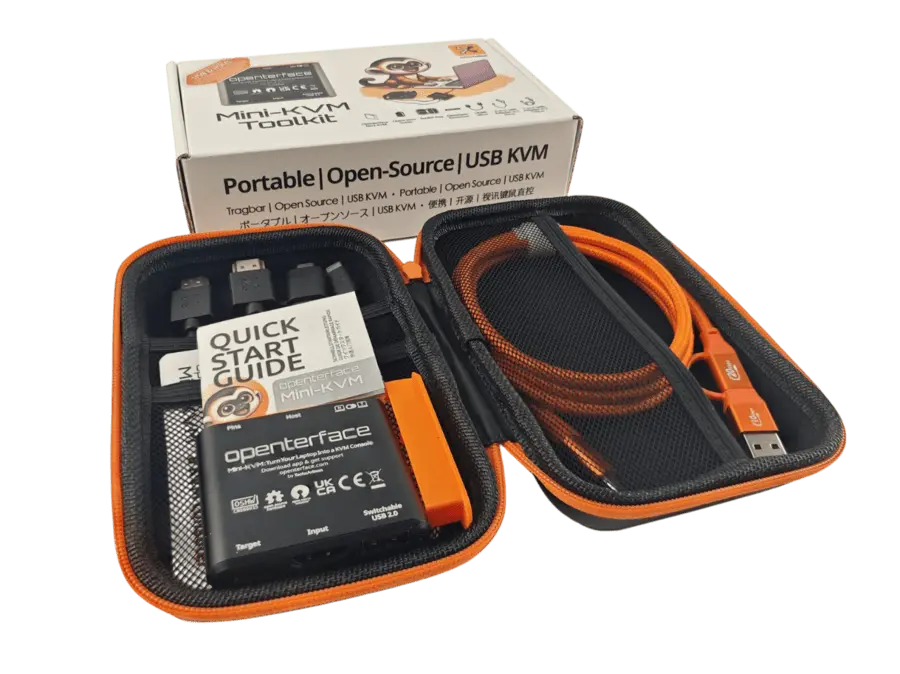
What Mini-KVM does
View and control a nearby computer
Connect the target’s HDMI output and USB input to Mini-KVM, then open the Openterface app on your laptop.
Get to firmware and boot menus
Use the laptop to see pre-boot video and send keyboard input when the target supports both. The local session works without a network connection.
Share a USB drive
The switchable USB port lets you move a compatible drive between the host and target for setup or recovery.