
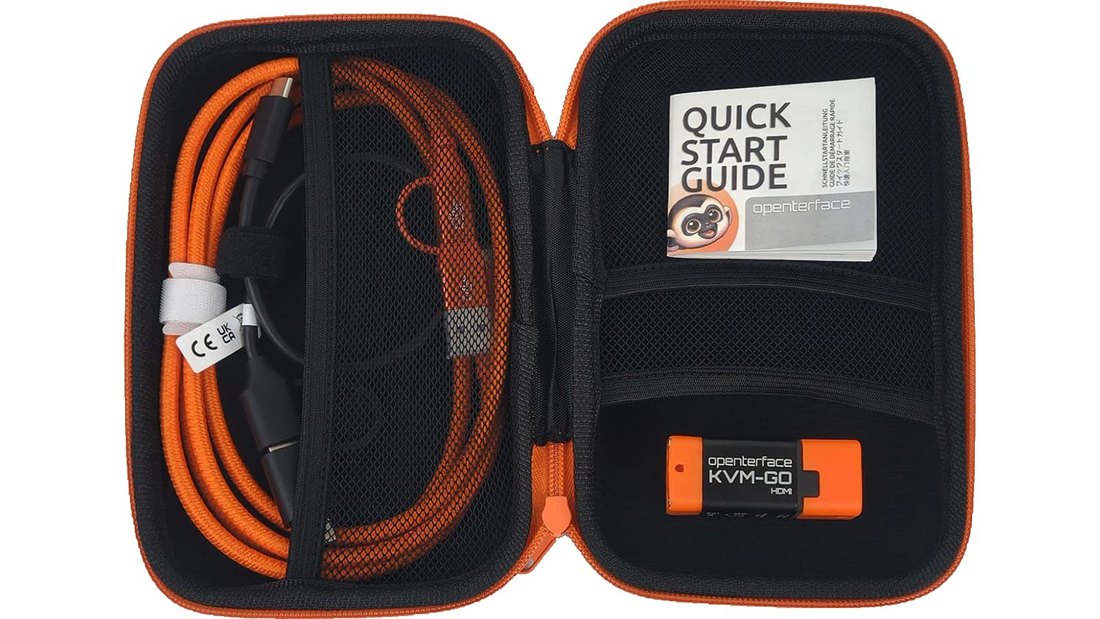
 HDMI
For HDMI equipment
HDMI Toolkit
A portable console for PCs, mini PCs and other equipment with compatible HDMI output.
Portable KVM-over-USB
Openterface KVM-GO turns a compatible laptop into a local keyboard, video and mouse console for another computer.
Set up headless PCs, reach BIOS or troubleshoot on site. The HDMI Toolkit and Triple Bundle are listed on Amazon UK.
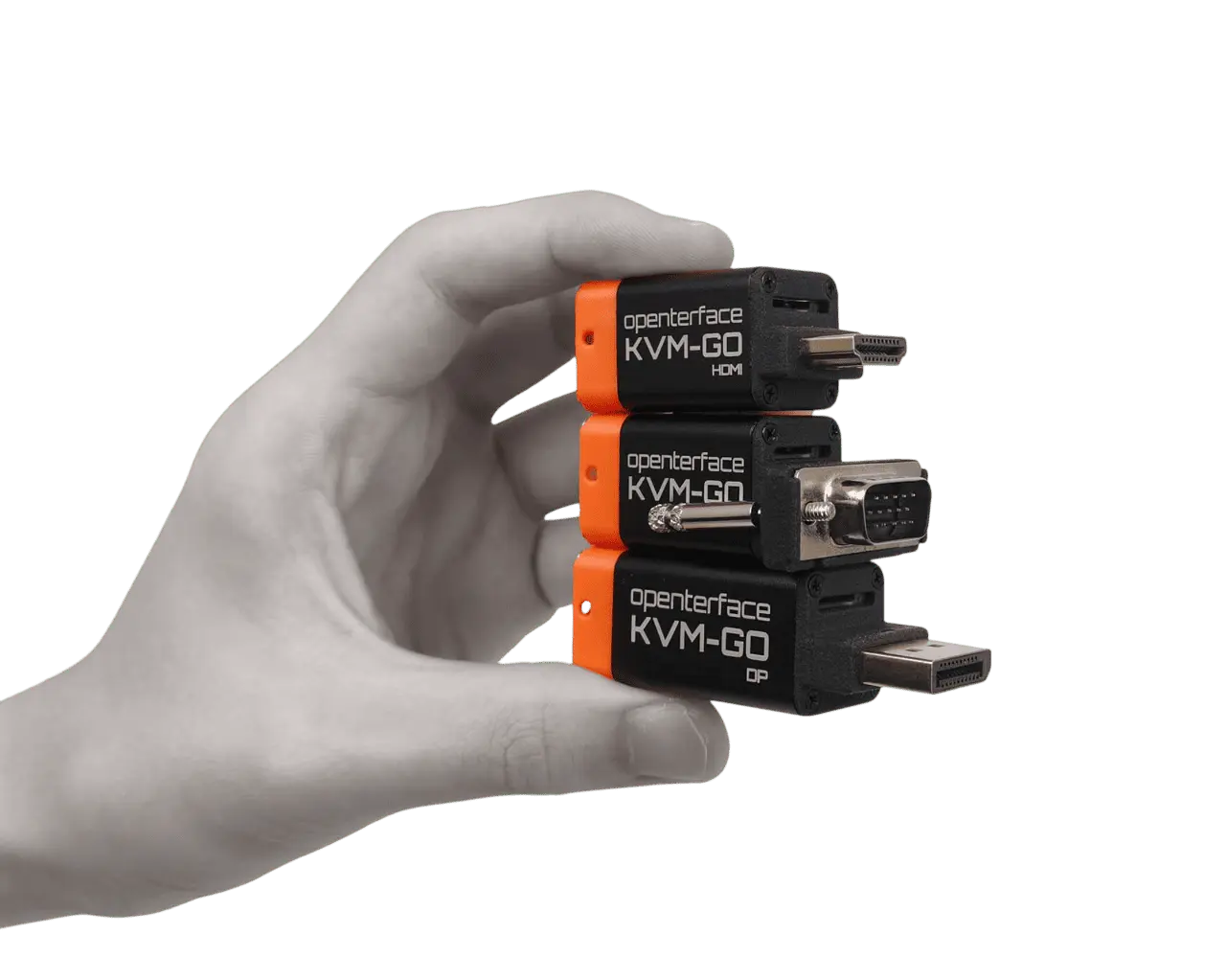
UK buying options
Choose HDMI for a compatible target or the Triple Bundle for a mix of HDMI, DisplayPort and VGA equipment. Standalone DisplayPort and VGA toolkits are coming soon for UK retail.
HDMIFor HDMI equipment
A portable console for PCs, mini PCs and other equipment with compatible HDMI output.
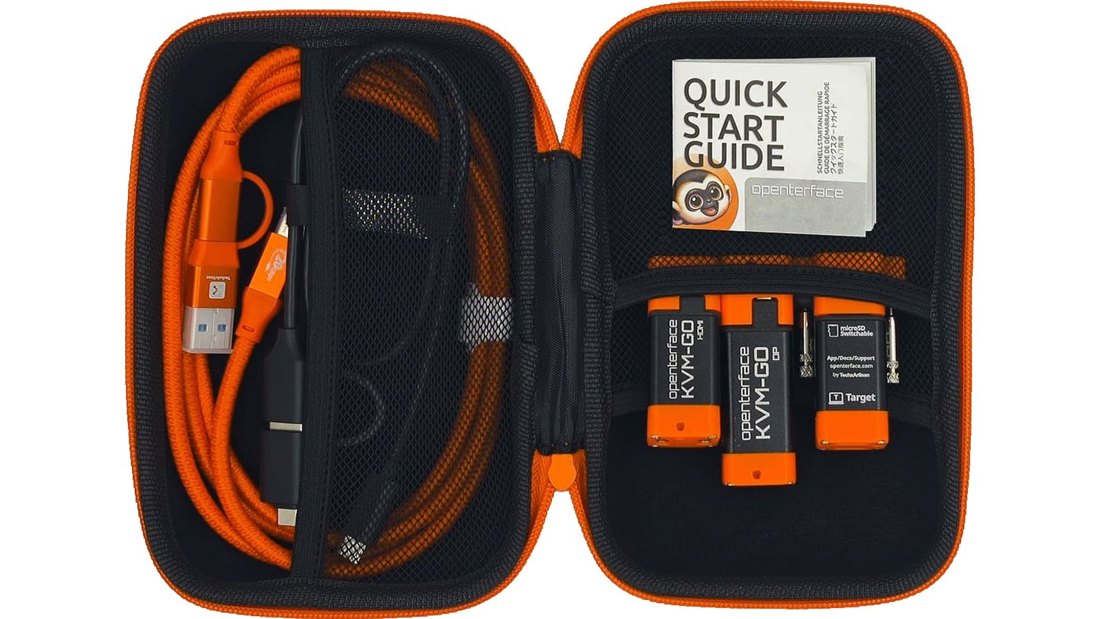 HDMI / DP / VGA
For mixed equipment
Three separate KVM-GO units—HDMI, DisplayPort and VGA—for teams supporting mixed equipment.
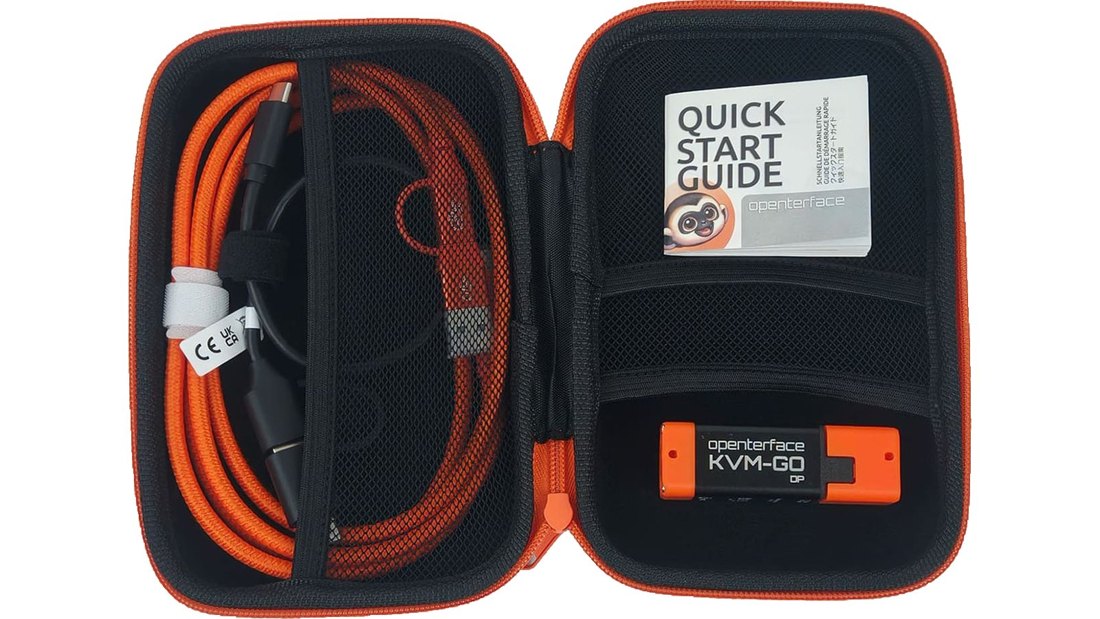 DisplayPort
For DisplayPort equipment
Local access to compatible DisplayPort workstations, PCs and lab equipment.
 VGA
For VGA equipment
A laptop console for compatible older PCs, servers and industrial equipment with VGA output.
| Your need | HDMI Toolkit | Triple Bundle | DisplayPort Toolkit | VGA Toolkit |
|---|---|---|---|---|
| Connector coverage | HDMI | HDMI, DisplayPort and VGA | DisplayPort | VGA |
| KVM-GO units | One HDMI unit | Three separate units | One DisplayPort unit | One VGA unit |
| UK retail | Amazon UK | Amazon UK | Coming Soon | Coming Soon |
| Bulk orders | Enquire by email | Enquire by email | Enquire by email | Enquire by email |
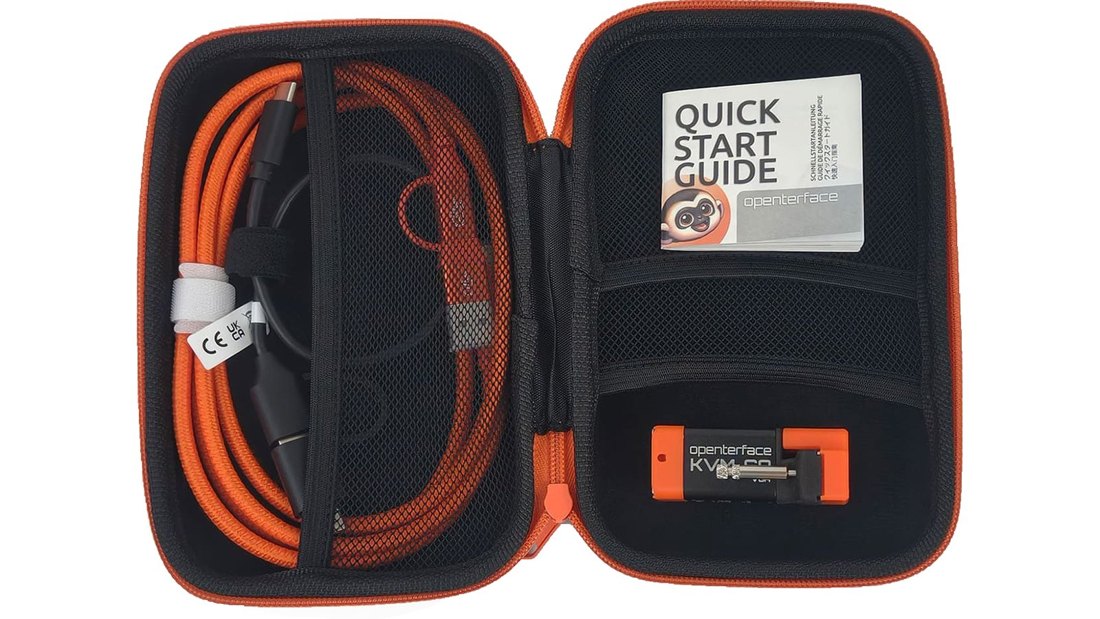
TechxArtisan lists two USB cables for both the HDMI Toolkit and Triple Bundle: a short black USB-C to USB-A cable with a USB-C adapter for the target, and a longer orange USB-C to USB-C cable with a USB-A adapter for the host. It also lists a carry case and quick-start guide. Check the Amazon UK listing for the exact contents supplied.
How it works
Runs the Openterface app
Captures video, sends input
Provides video and accepts USB input
Three physical links: host USB, target video and target USB. The target still needs its own power.
Before you buy
Match HDMI, DisplayPort or VGA to the unit you will use. Check supported signals in the current manufacturer specifications.
The target USB link carries keyboard and mouse input. A video connection alone does not provide input control.
Use a data-capable USB connection. Windows, macOS and Linux apps are available; check the current download page for system requirements.
The target needs its own power. For BIOS access, it must output pre-boot video and accept USB input.
The essentials
KVM-GO FAQs
KVM stands for keyboard, video and mouse. A KVM console gives you a way to see and control another computer. KVM-GO provides local access through video and USB connections.
No network connection is required for the local KVM session. Install the supported host app beforehand if you will be working offline. KVM-GO on its own does not provide internet remote access.
Your host laptop runs the Openterface app. The target computer provides video output and receives USB keyboard/mouse input; it does not need an installed remote-control agent. Check the official downloads (opens in a new tab) for current platform requirements.
Choose HDMI, DisplayPort or VGA to match your target’s video output. The Triple Bundle includes all three connector-specific units for mixed equipment. HDMI and the Triple Bundle are available for UK retail on Amazon; standalone DisplayPort and VGA toolkits are coming soon. Contact us about bulk orders for any option.
It can provide local firmware-screen access when the target outputs a supported video signal and accepts USB input before its operating system starts. Behaviour depends on the target hardware and firmware. See our BIOS access guide.
Retail purchases go through the linked Amazon UK listings. For quantities or team purchasing, email hello@openterface.co.uk.
Put it in context
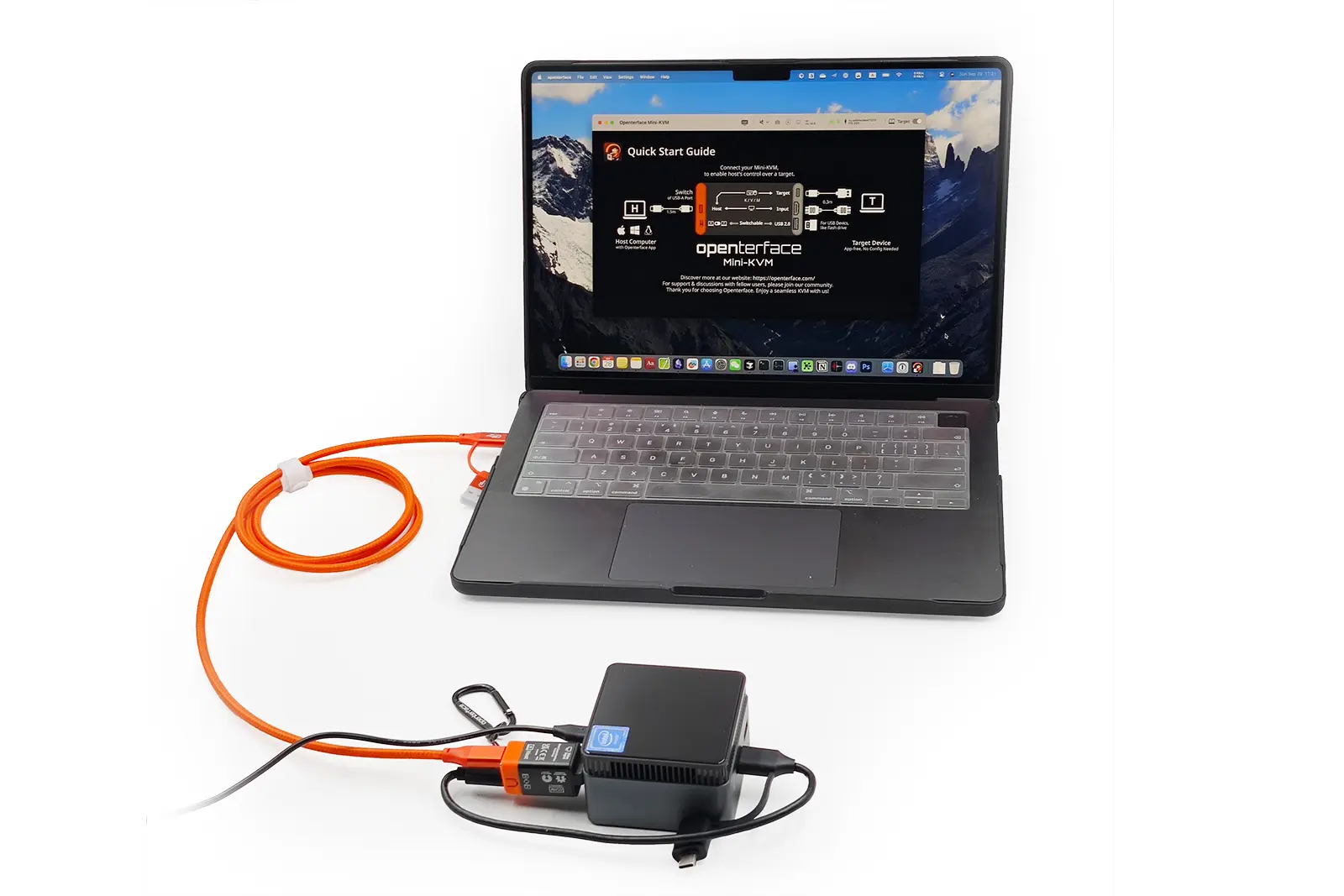
Connect your laptop to a headless PC for video, keyboard and mouse control.
Read the guide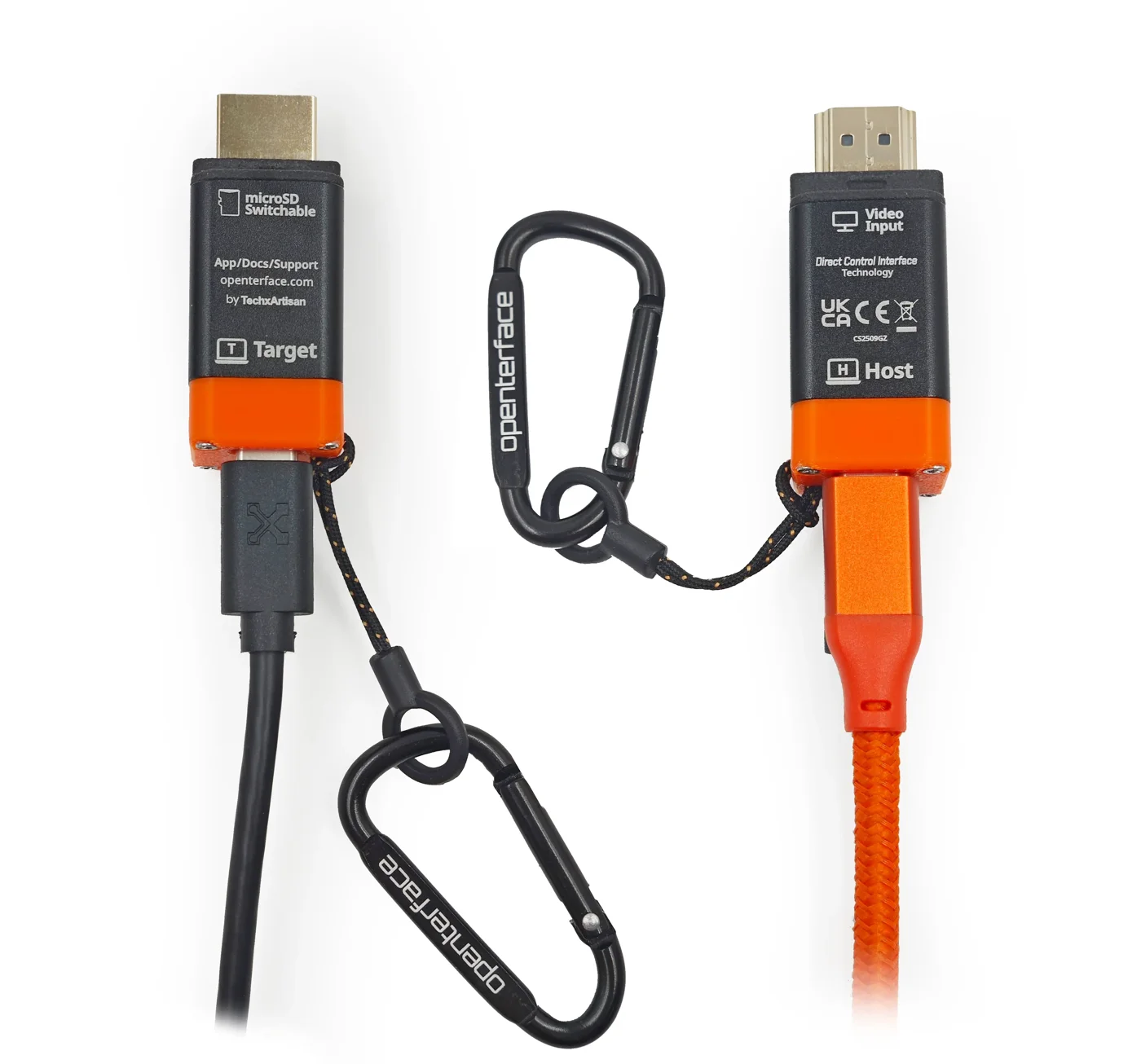
Open BIOS and boot menus from your laptop, even when the target has no network connection.
Read the guide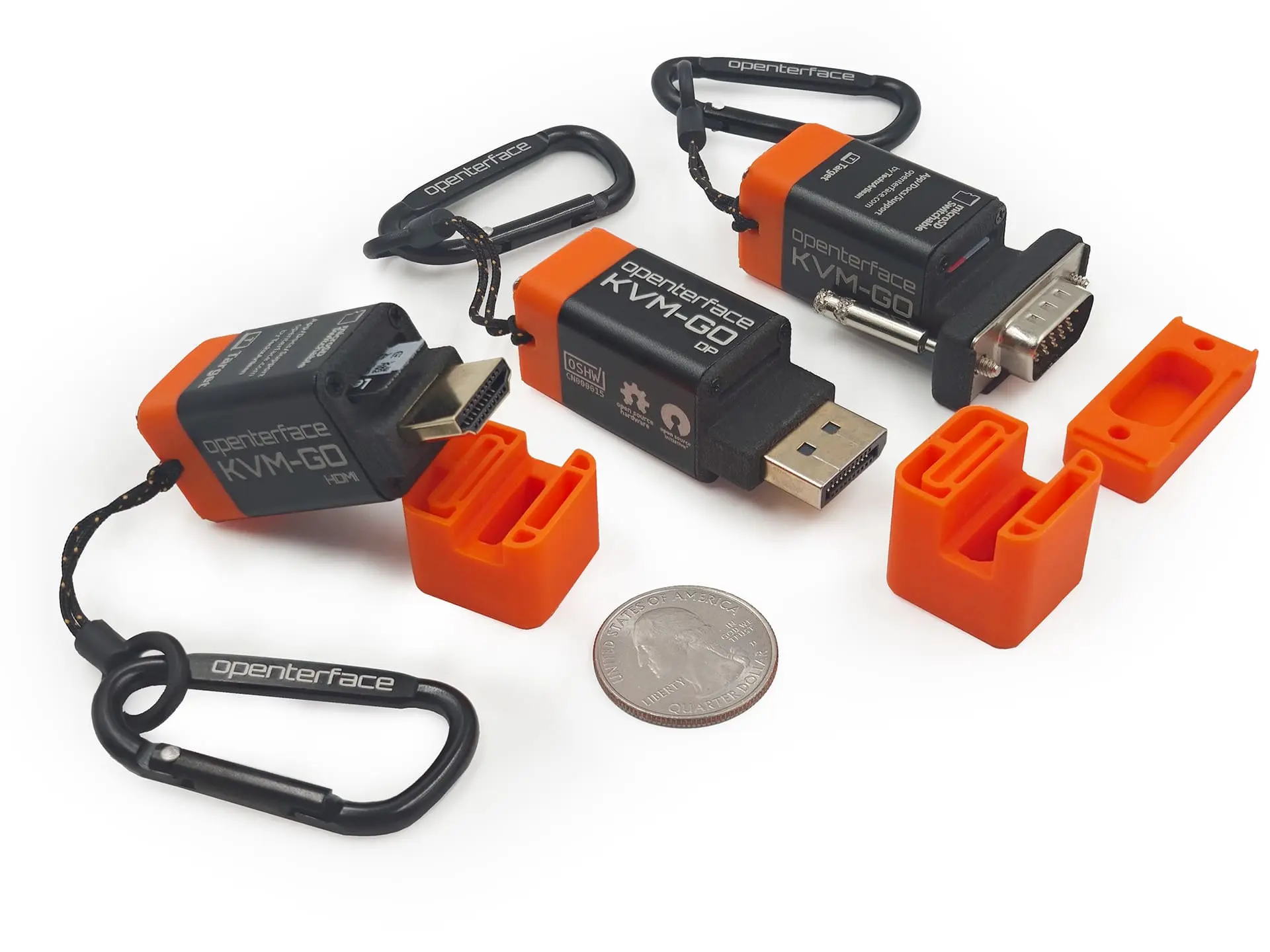
Decide whether you need a local laptop console, phone-based input, remote access, a desktop switch or video capture.
Read the guideFor teams & organisations
Equipping an IT support team, an MSP or a technical department? Talk to your UK distributor.