
Start with the job
If you need to control a nearby computer from your laptop, a KVM-over-USB console is a relevant option. If you need access from another location, look at KVM-over-IP or built-in remote management. If you want to share a monitor and keyboard between desk computers, look at a desktop KVM switch.
“KVM” stands for keyboard, video and mouse. It also appears in the name of Linux’s Kernel-based Virtual Machine, which is a different subject: virtualisation software rather than the physical consoles discussed here.
Compare the four categories
| Category | Main purpose | Connection | Target input control |
|---|---|---|---|
| KVM-over-USB console | Use a laptop beside a target computer | Local video and USB | Yes, with the target USB link |
| KVM-over-IP | Manage a target from another location | Target video/USB plus a network | Typically yes |
| Desktop KVM switch | Share desk peripherals between computers | Cables to monitor and computers | Routes shared keyboard/mouse |
| Capture card | View or record a video source | Video input and host connection | Usually no built-in return control |
KVM-over-USB: a nearby laptop console
This category suits local setup, boot-screen access and on-site troubleshooting. The device captures the target’s video output and sends keyboard and mouse input through a separate target USB connection. The laptop runs the viewing/control app.
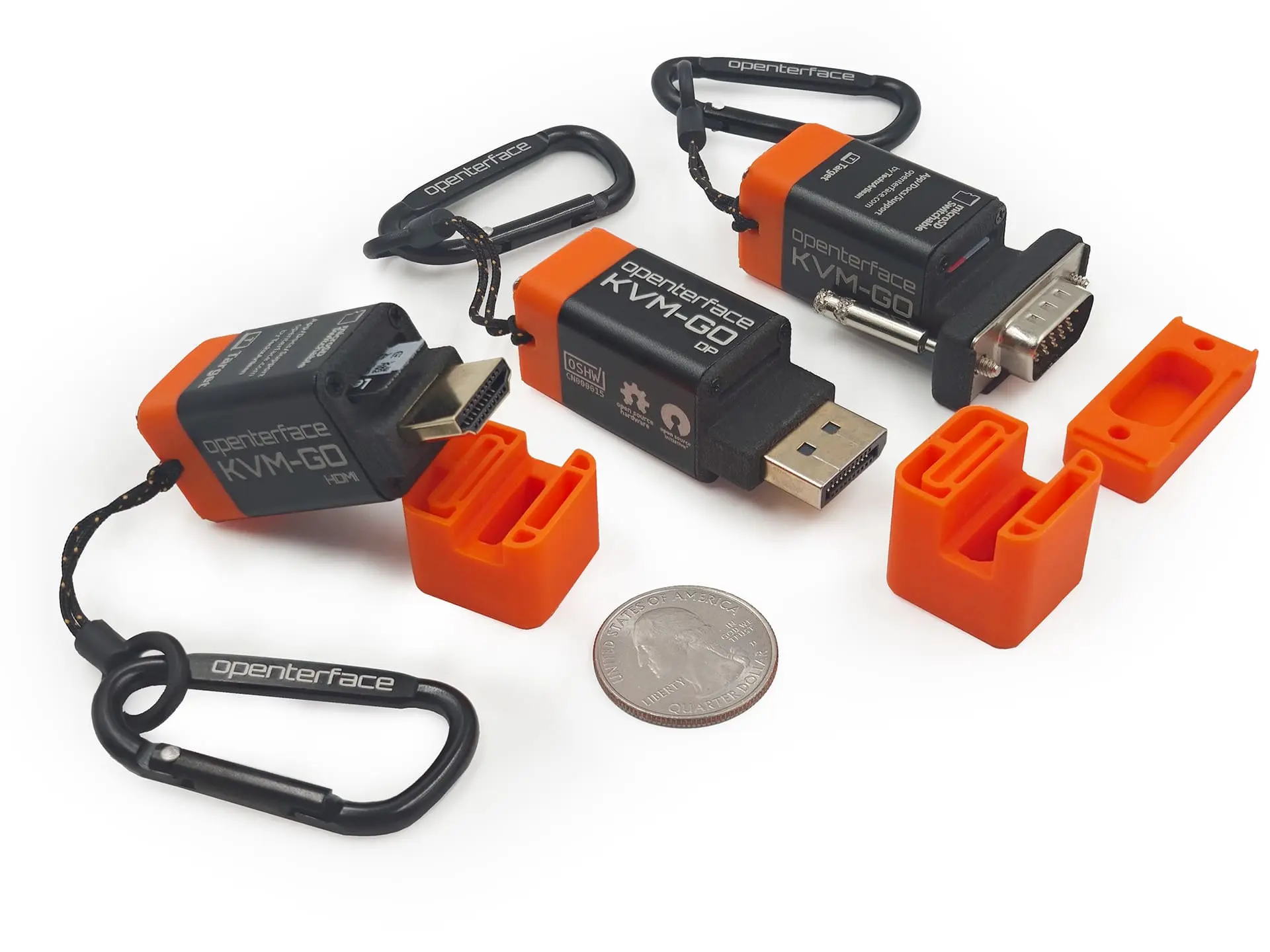
KVM-GO fits here. Choose a connector that matches your target, check video and USB compatibility, and take the app and required cables with you. The local session does not require the target to be on a network. Physical access is still necessary.
KVM-over-IP: access from elsewhere
An IP KVM carries console access over a network. It is relevant when a machine is unattended or in another room or site. It introduces network configuration and access-control requirements, and capabilities vary by device.
Choose a purpose-built remote-management solution for access from another location. KVM-GO provides local access over video and USB.
Desktop KVM switch: share your desk
A desk KVM switch connects multiple computers to shared peripherals. It can be the right choice for moving between a work laptop and a home desktop using one monitor, keyboard and mouse.
It usually assumes that you already have a monitor. Check video resolution, refresh rate, number of displays and peripheral support for the specific switch. A portable laptop console serves a different job.
Capture card: see or record a feed
A capture card is useful when you need to bring video into a computer for viewing or recording. A typical capture-only card does not also send keyboard and mouse commands to the source.
It may be enough if you only need to watch a display and already have a way to control the source. If you need a complete laptop console, confirm that your chosen hardware provides both video capture and input control.
A practical decision
- Headless mini PC on the bench: consider a KVM-over-USB console such as KVM-GO.
- Unattended server at another location: consider IP KVM or built-in remote management.
- Two computers on one desk: consider a desktop KVM switch.
- Video recording only: consider a capture card.
- A running machine reachable over the network: existing SSH or remote desktop may already meet your need.
For UK local-console buying options, compare the KVM-GO toolkits and Triple Bundle. Buying for a team? Contact the UK distributor.