
Practical KVM guides
Get connected.
Get to work.
Plain-English guides to local computer access, headless setup and choosing the right KVM tool.
01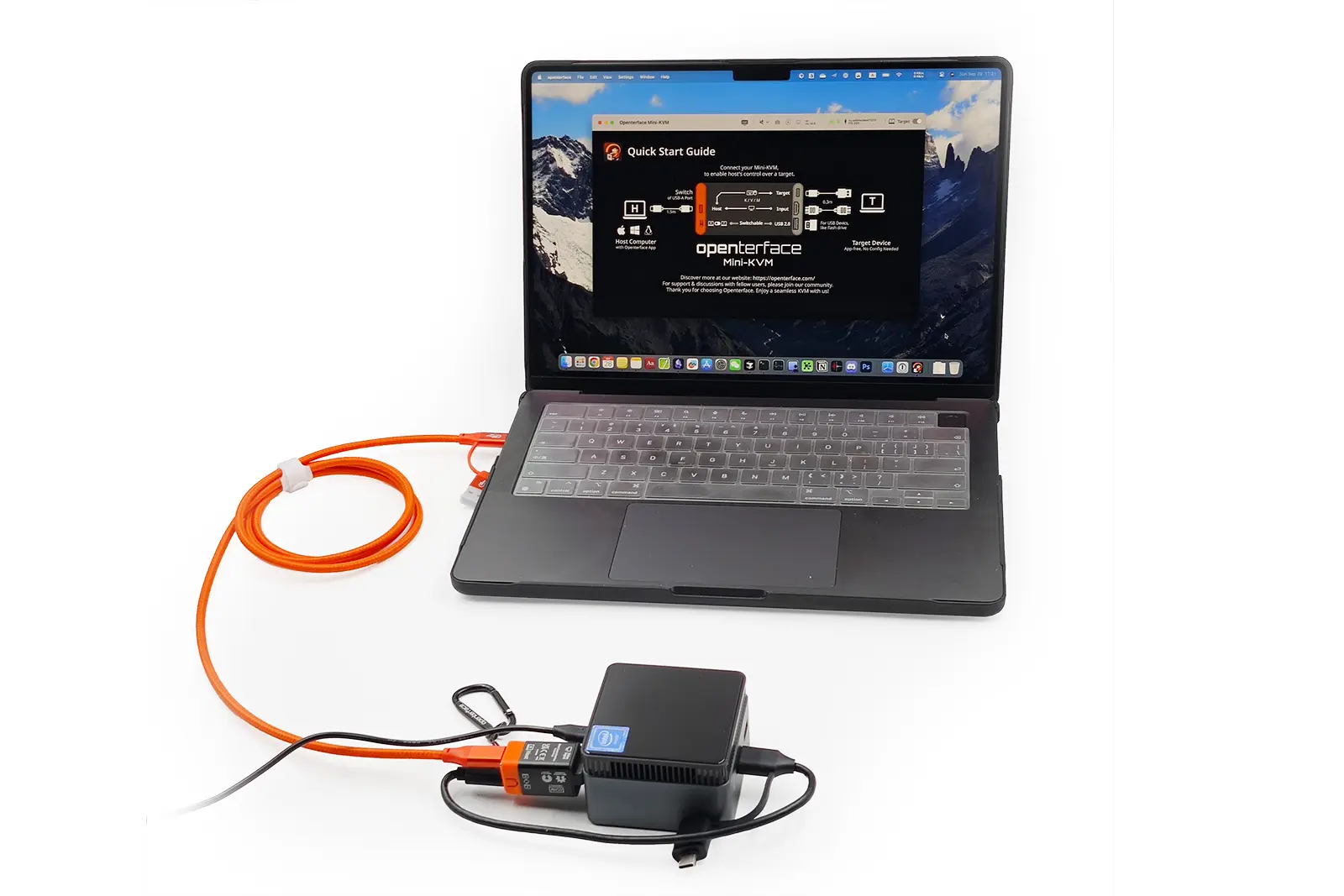
Use your laptop as a KVM console
Connect your laptop to a headless PC for video, keyboard and mouse control.
Read the guide02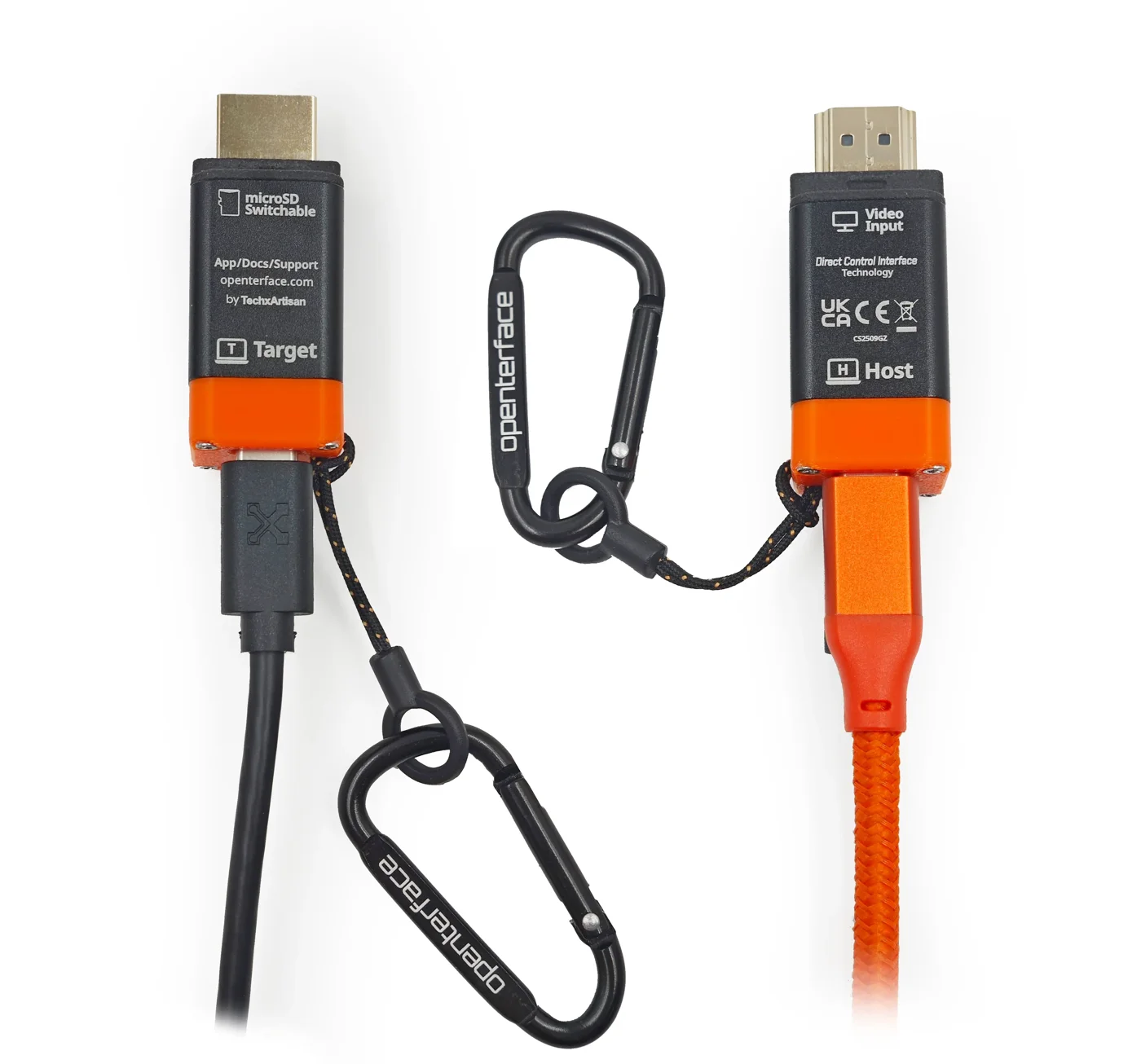
Reach BIOS without network access
Open BIOS and boot menus from your laptop, even when the target has no network connection.
Read the guide03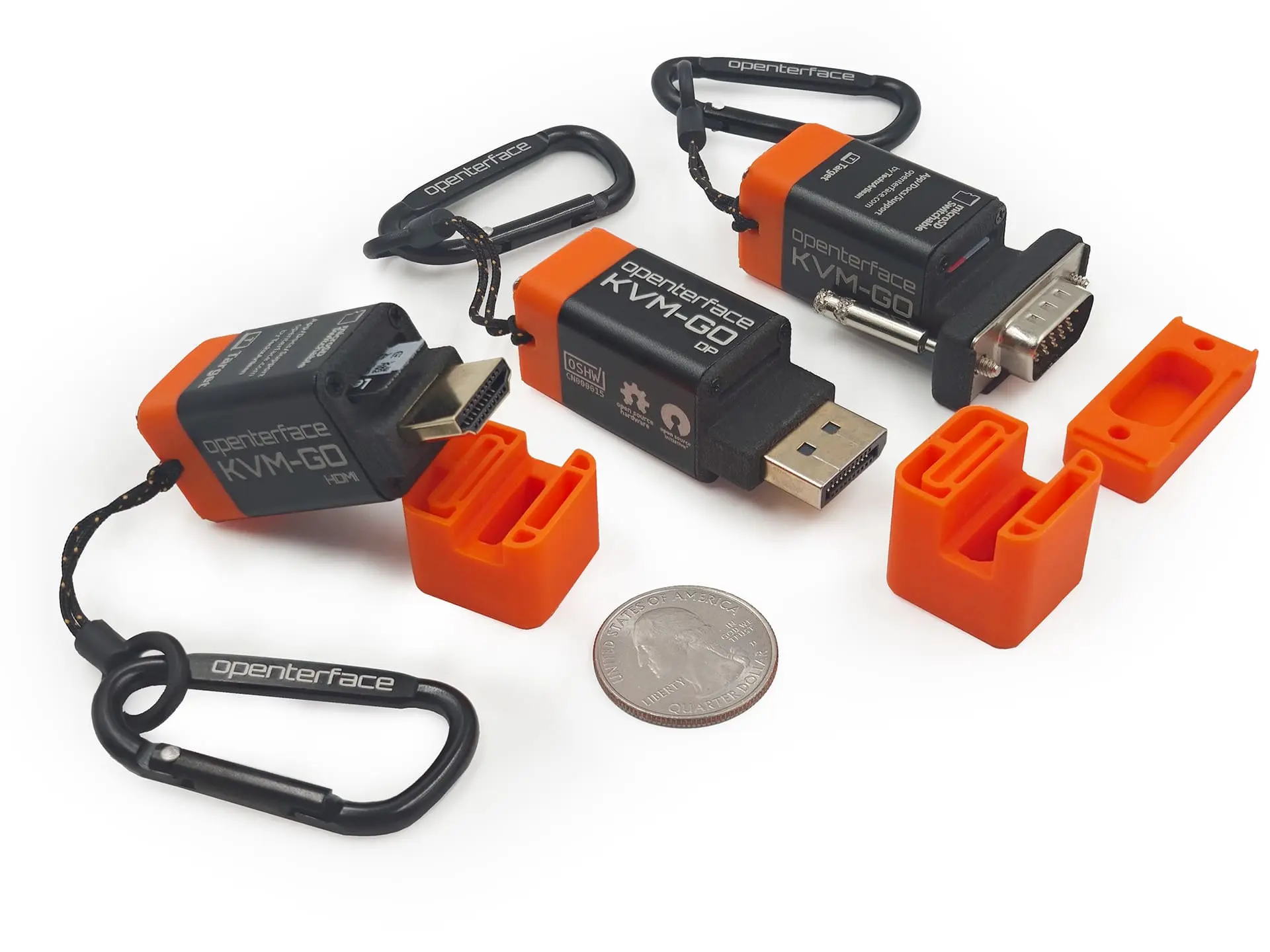
Choose the right kind of KVM
Decide whether you need a local laptop console, phone-based input, remote access, a desktop switch or video capture.
Read the guideFor teams & organisations
A small tool for a whole team.
Equipping an IT support team, an MSP or a technical department? Talk to your UK distributor.