
 English
Home Network Guy
Openterface · United Kingdom
Turn your laptop into a portable KVM console. View and control a nearby computer—even at its boot screen—through video and USB connections.
Supplied by Peach & Avo Ventures LLP,
the official sole UK distributor of Openterface.
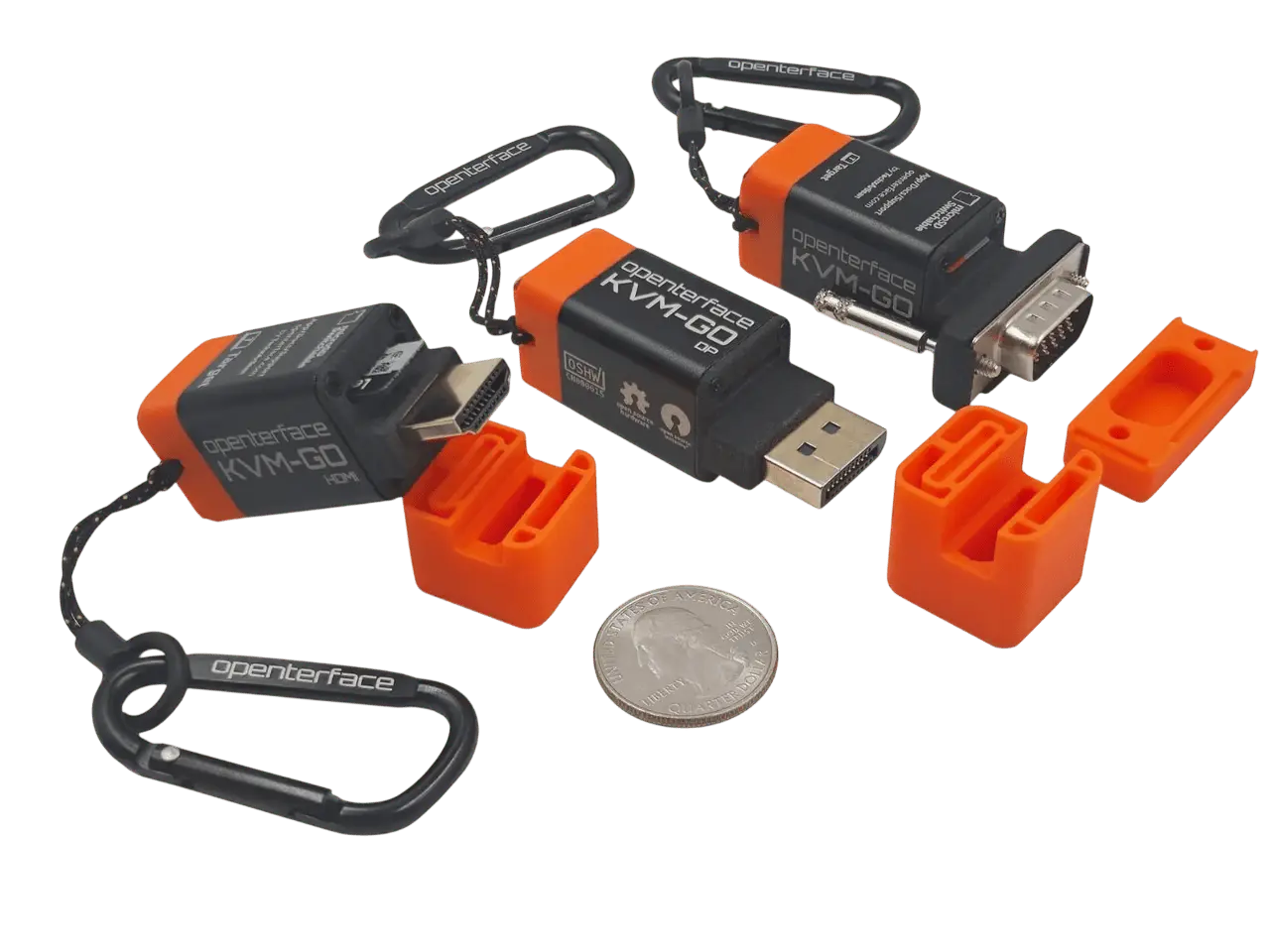
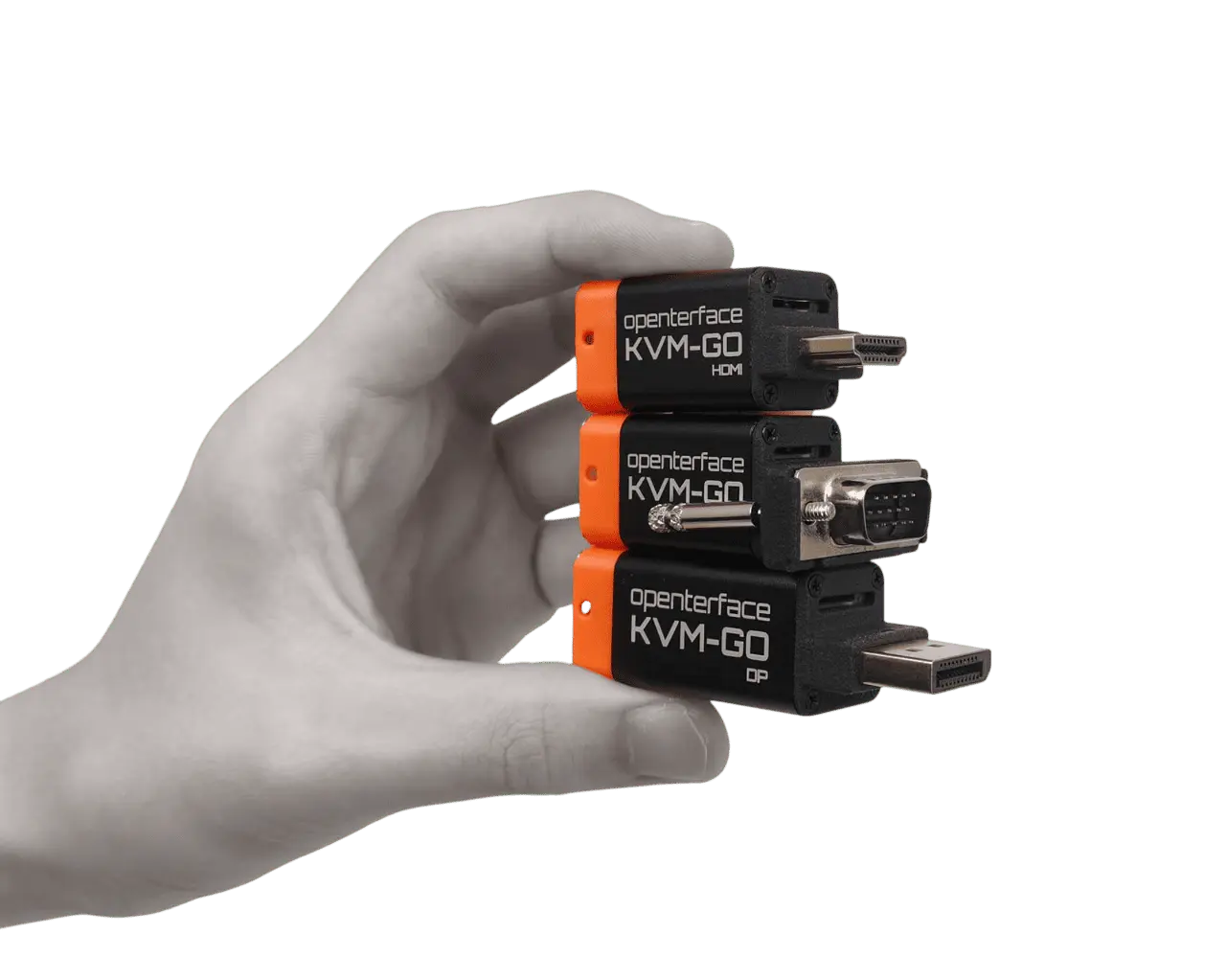
Pocket-sized laptop console for headless setup, firmware access and on-site troubleshooting.
Explore KVM-GO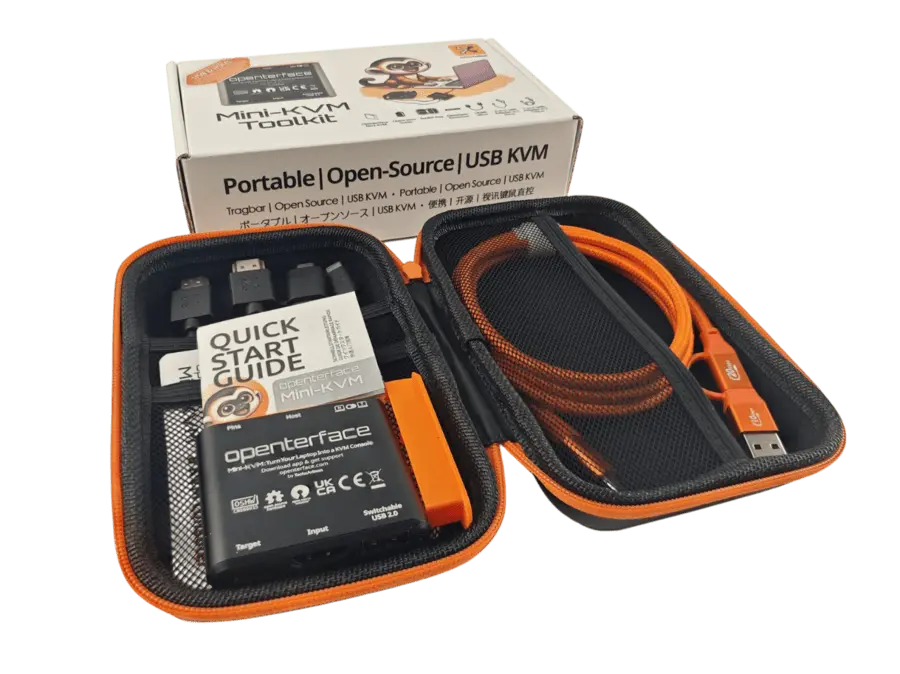
Use your laptop as an HDMI and USB console for a headless PC, server or workbench setup.
Explore Mini-KVM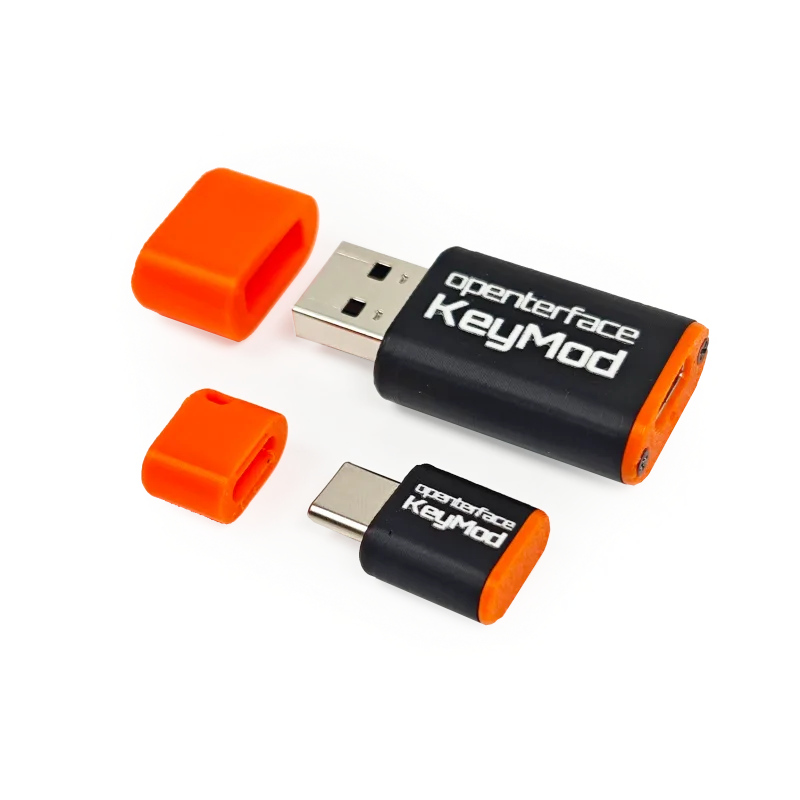
Turn a compatible phone into a wireless keyboard and trackpad for a nearby device.
Explore KeyModThe connection, explained
Your laptop supplies the screen, keyboard and trackpad. KVM-GO bridges the gap to the computer you need to work on.
Runs the Openterface app
Captures video, sends input
Provides video and accepts USB input
Three physical links: host USB, target video and target USB. The target still needs its own power.
Built for the moment
For the workbench, the site visit and the machine that won’t answer over the network.
Use a nearby laptop as a temporary console for a compatible mini PC or lab machine.
Explore laptop console access →02 / TROUBLESHOOTSee boot and firmware screens when the target supports video and USB input at startup.
Understand BIOS access →03 / CHOOSEFind out how a laptop console differs from an IP KVM, a desk switch or a capture card.
Compare the options →Practical knowledge
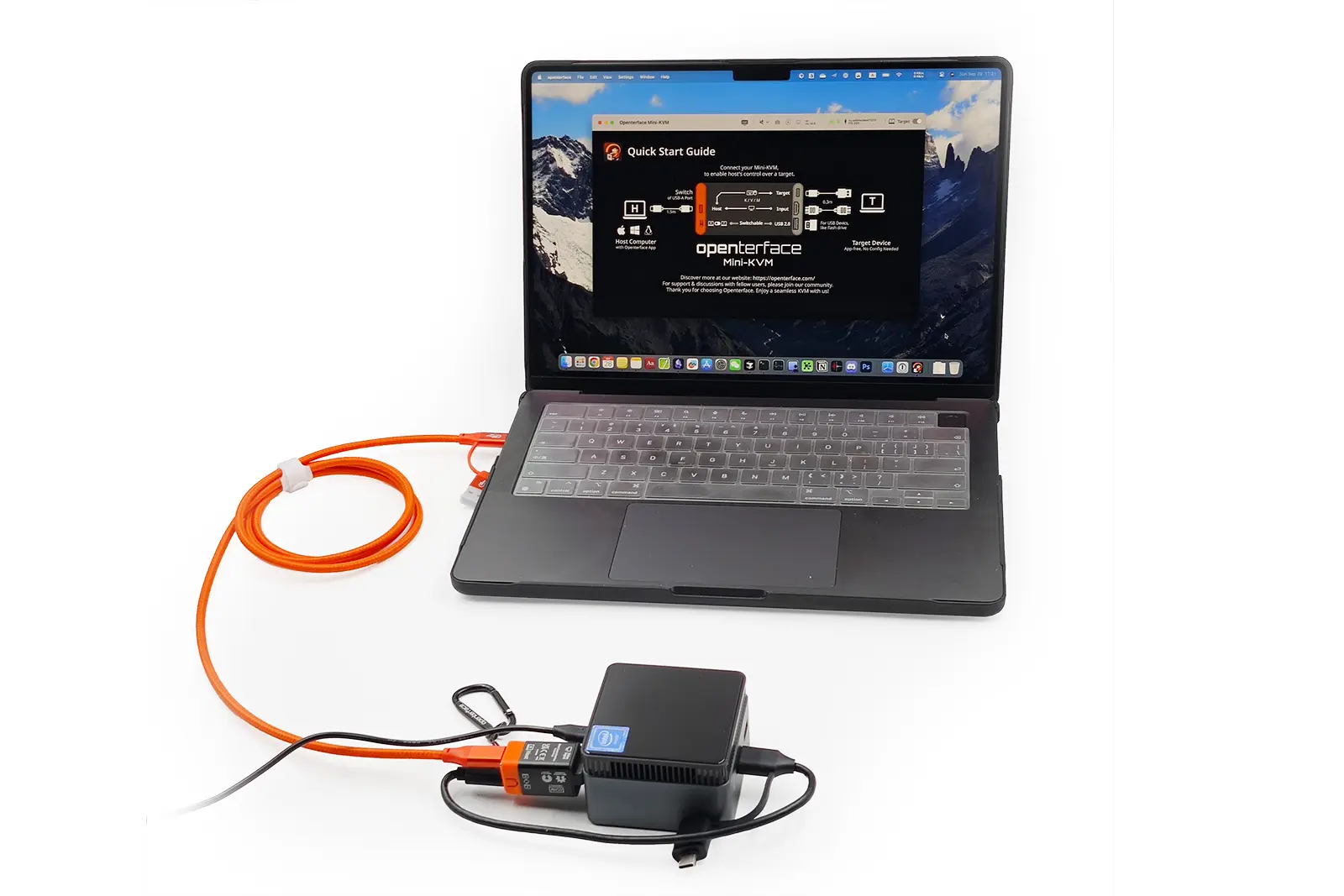
Connect your laptop to a headless PC for video, keyboard and mouse control.
Read the guide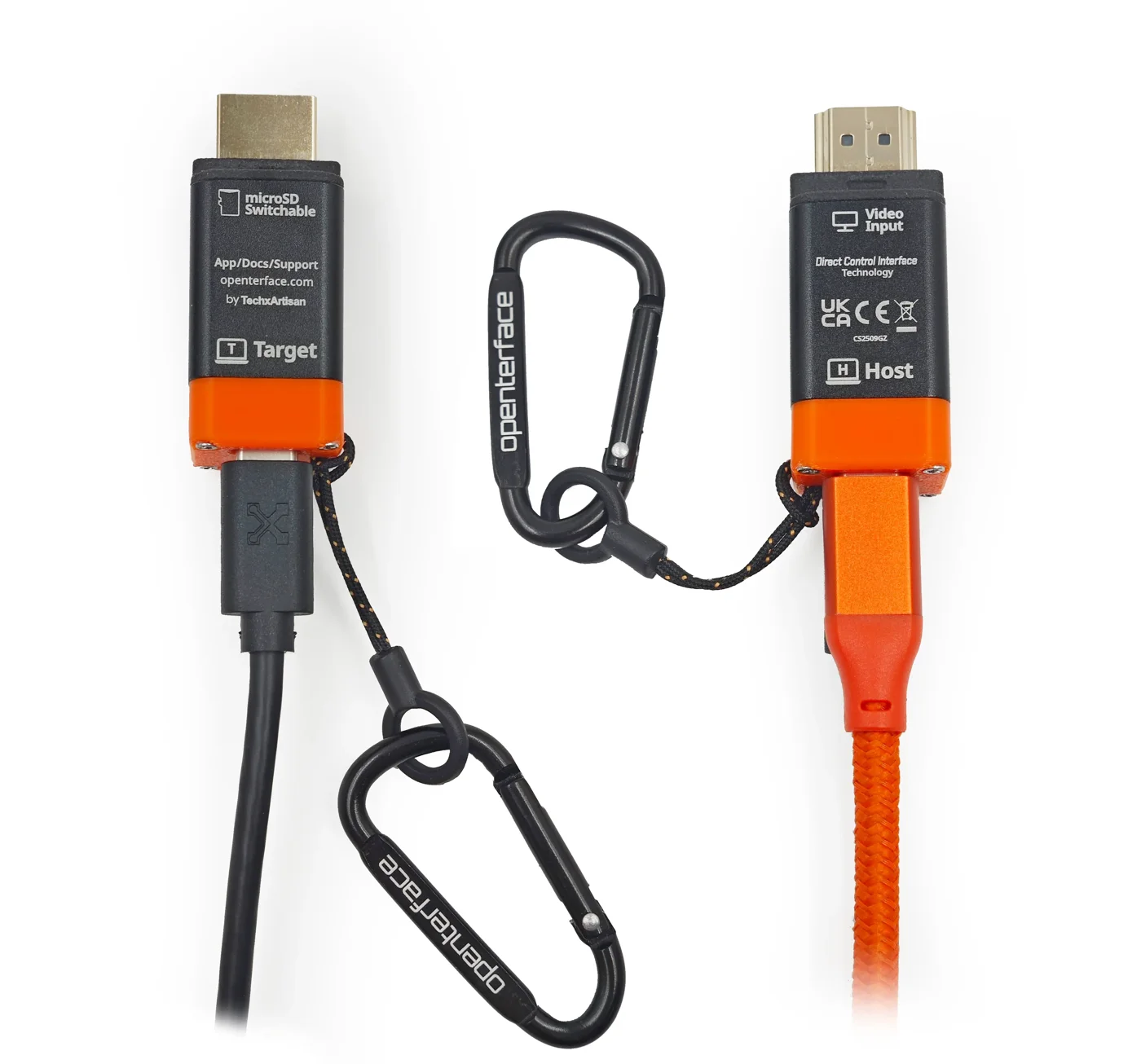
Open BIOS and boot menus from your laptop, even when the target has no network connection.
Read the guide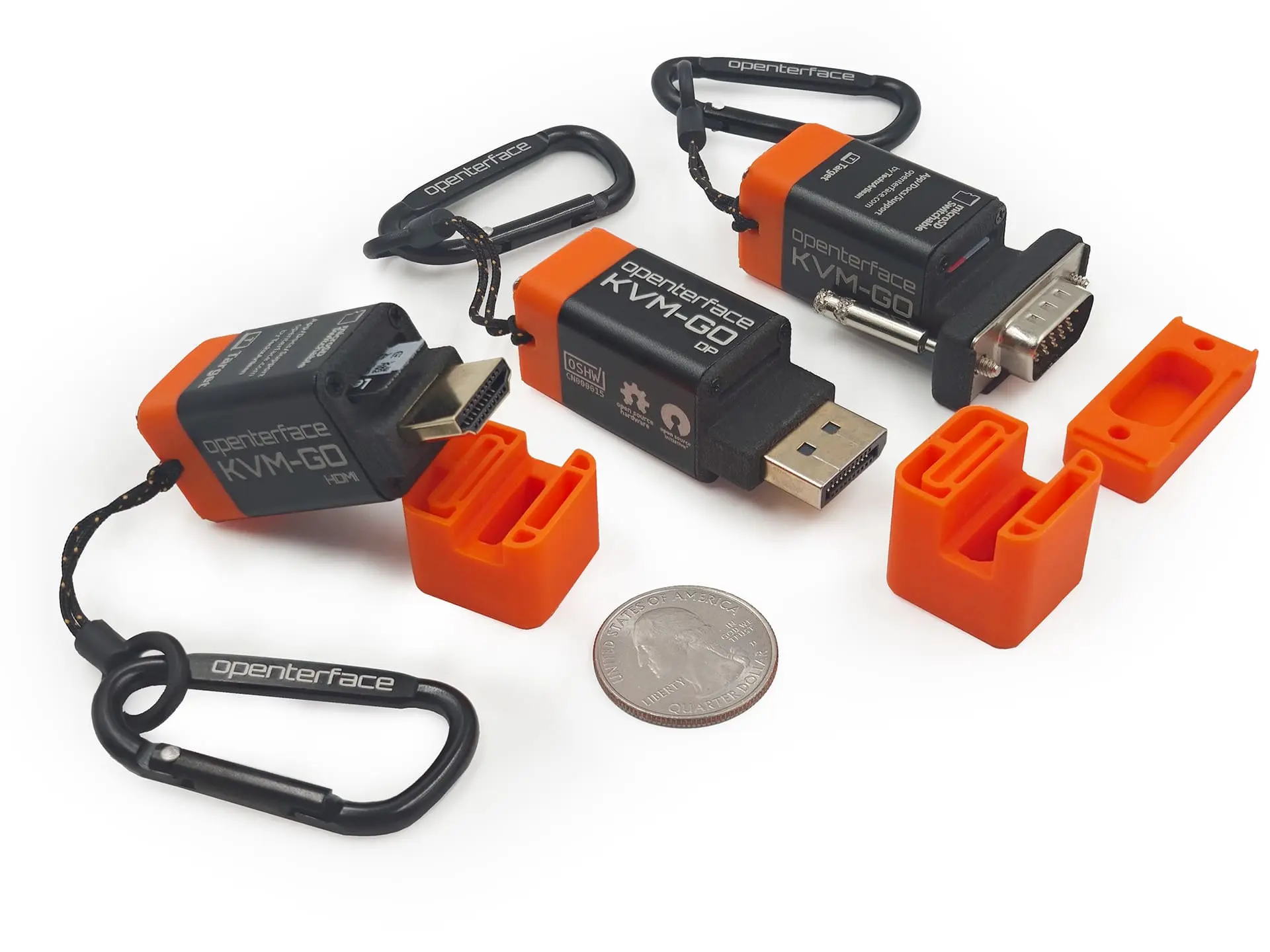
Decide whether you need a local laptop console, phone-based input, remote access, a desktop switch or video capture.
Read the guideKVM-GO videos
EnglishHome Network Guy
 Spanish
Javier Gutierrez Abella
 English
apalrd's adventures
For teams & organisations
Equipping an IT support team, an MSP or a technical department? Talk to your UK distributor.